Hotel Lobby
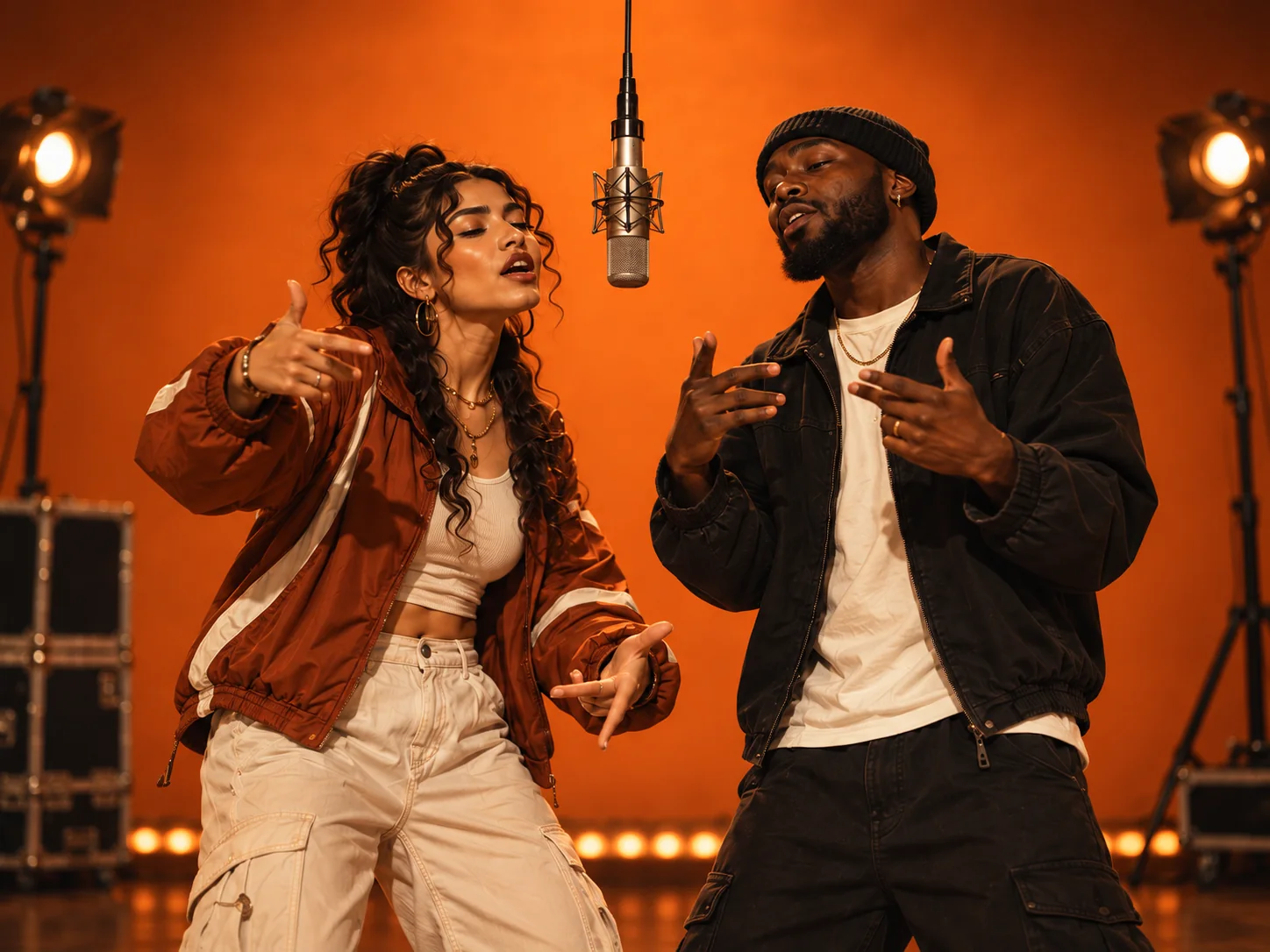
A warm orange performance room with two leads sharing the frame. Choose this for a playful friendship clip, a couple's duet or a birthday shout-out.
TWO PHOTOS. ONE PERFORMANCE.
Put you and a friend in the same rap performance, even when your photos were taken separately. This AI rap duo generator brings two portraits into a shared scene with optional original vocals and music.
Both scenes use two individual portraits, one per performer. Watch the examples, then open the generator with your chosen theme already selected.
A warm orange performance room with two leads sharing the frame. Choose this for a playful friendship clip, a couple's duet or a birthday shout-out.
A green studio session with two performers and a microphone between them. Choose this for a focused freestyle atmosphere and a shared-room rap performance.
You do not need to film together or cut out the background. Prepare a clear reference for each performer before opening the studio.
Open Hotel Lobby or On The Radar and upload the two portraits into separate photo slots. For Hotel Lobby, also choose the stage look shown in the studio.
Keep audio enabled for original vocals and music. Describe a shared memory, celebration or friendly rivalry, then review duration, format and the credit quote.
Sign in and confirm generation when you are ready to spend the quoted credits. Follow the task in My Videos, review the finished performance and download the MP4.
A shared detail makes a better starting point than simply asking for a duet. The topic guides original audio; it does not guarantee word-for-word lyrics, an existing recording or a real artist's voice.
Two friends trade playful lines about their weekend basketball rivalry. Keep the mood upbeat and end by celebrating ten years of friendship.
Choose a two-person theme and upload two separate portraits. AIRAP builds a new shared scene around both references. On The Radar is the option with the green studio and microphone between the performers.
A duo puts two performers in one clip. Your audio topic can suggest friendly back-and-forth or a celebration, but it does not guarantee a scripted battle, exact line assignments or perfectly timed turns.
These two scenes require two individual reference images. If you only have a group photo, prepare a separate, clear portrait crop of each person before uploading; each crop still needs enough facial detail.
You can watch the examples for free. Generating your own duo requires paid credits, and signing up does not include a free render. The studio shows the exact credit cost before you confirm.
Start with the scene that suits both people. Need help choosing photos or settings? Follow the tutorial before you generate.