A I R A PExample video
Turn your photos into an AI rap or music video. Choose a theme, add your people and make the performance your own.
The AIRAP AI rap video generator is a browser tool that turns individual photos into a short performance video. Pick a scene, add your people and describe a topic for original audio. AI builds a new scene around your photos, then generates the performance. You can create in your browser without filming a music video yourself.
Use the AI rap generator for a personal rap performance, or explore the AI music video generator to plan a music video from your photos.
A lyrics generator gives you words. AIRAP creates a visual performance featuring the people in your photos, with optional generated sound. Start with a friendship, a birthday or a personal milestone. Choose the theme for the atmosphere; use the audio topic for what the performance should be about.
Making a birthday rap for a friend? Choose Hotel Lobby or On The Radar, upload one portrait per performer and add a topic such as “Wish Alex a happy birthday and mention our weekend basketball games.” With audio enabled, the AI rap generator creates a short duet with new vocals and music. For a solo session, Tiny Desk needs one reference image. Download the finished performance as an MP4.
AI rap duo videoExplore the available scenes and performance styles. Check the photo requirements and duration for each theme, then choose one that fits your story.
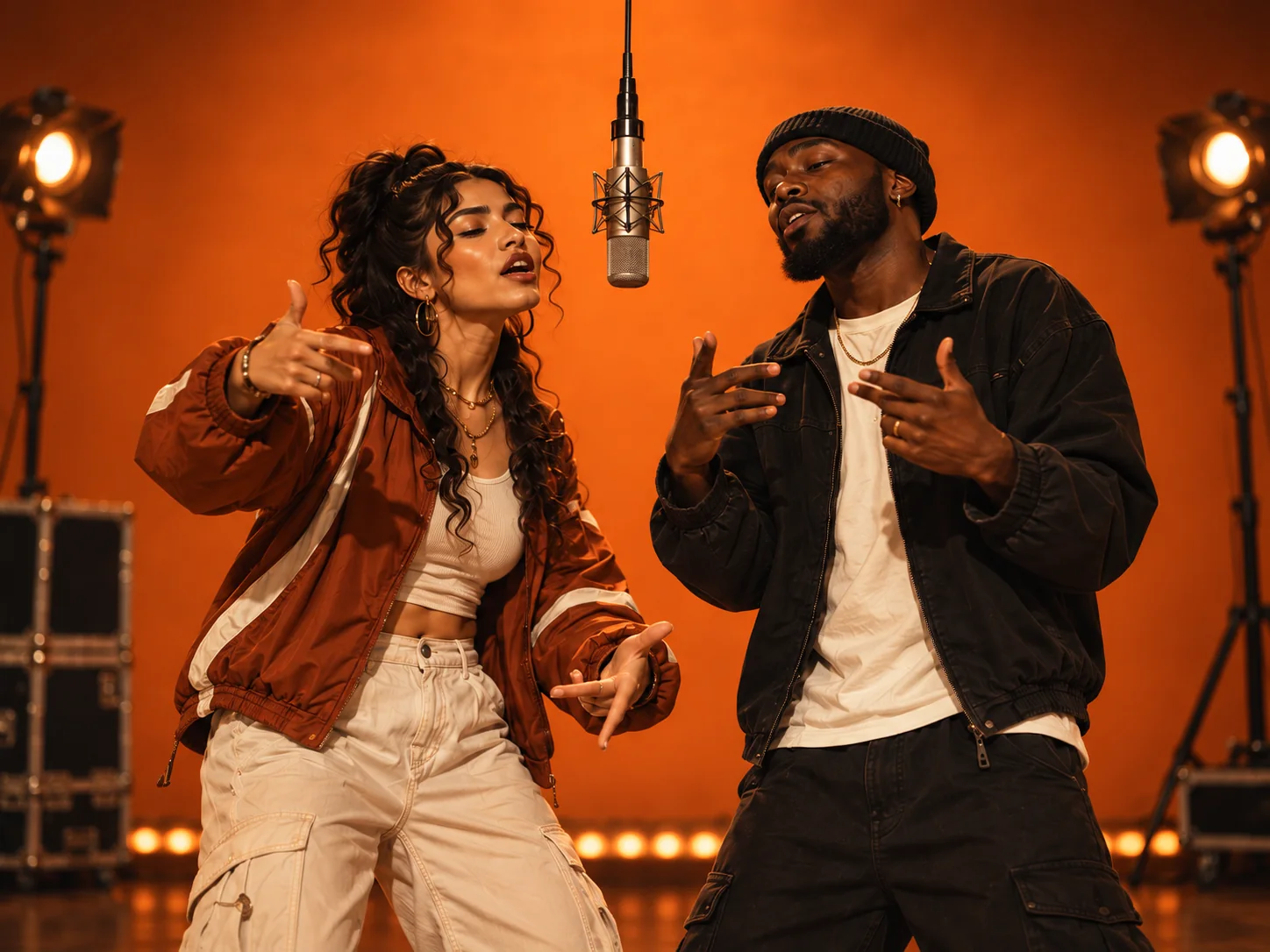
Make a Hotel Lobby AI video from two portraits. Compare four duet stages, prepare an original audio topic and follow the photo guide to create your performance.
Explore the theme: Hotel Lobby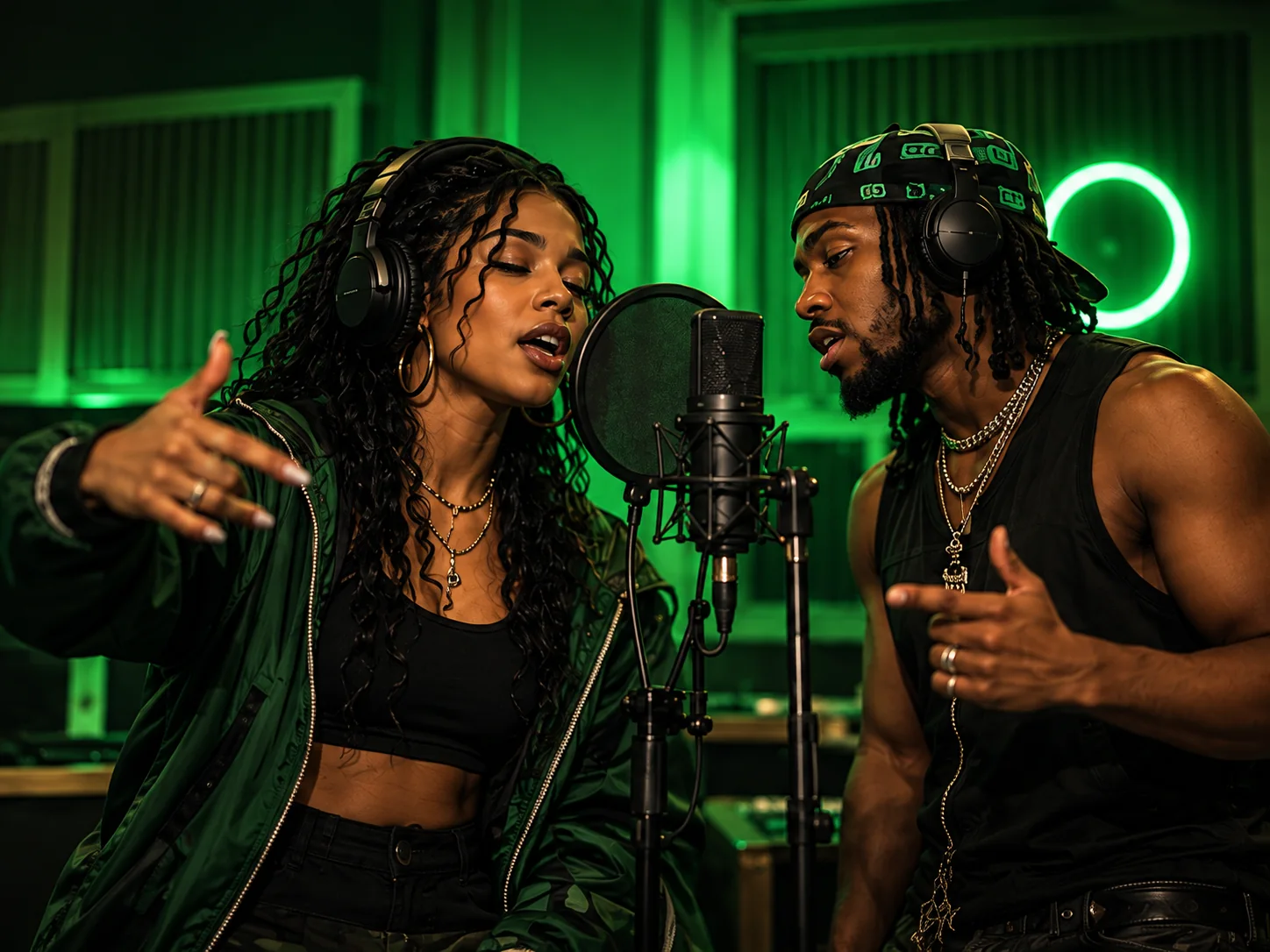
Create an On The Radar AI video with two portraits and a personal audio topic. Explore the green studio duet, photo tips and performance ideas before you start.
Explore the theme: 679 / On The Radar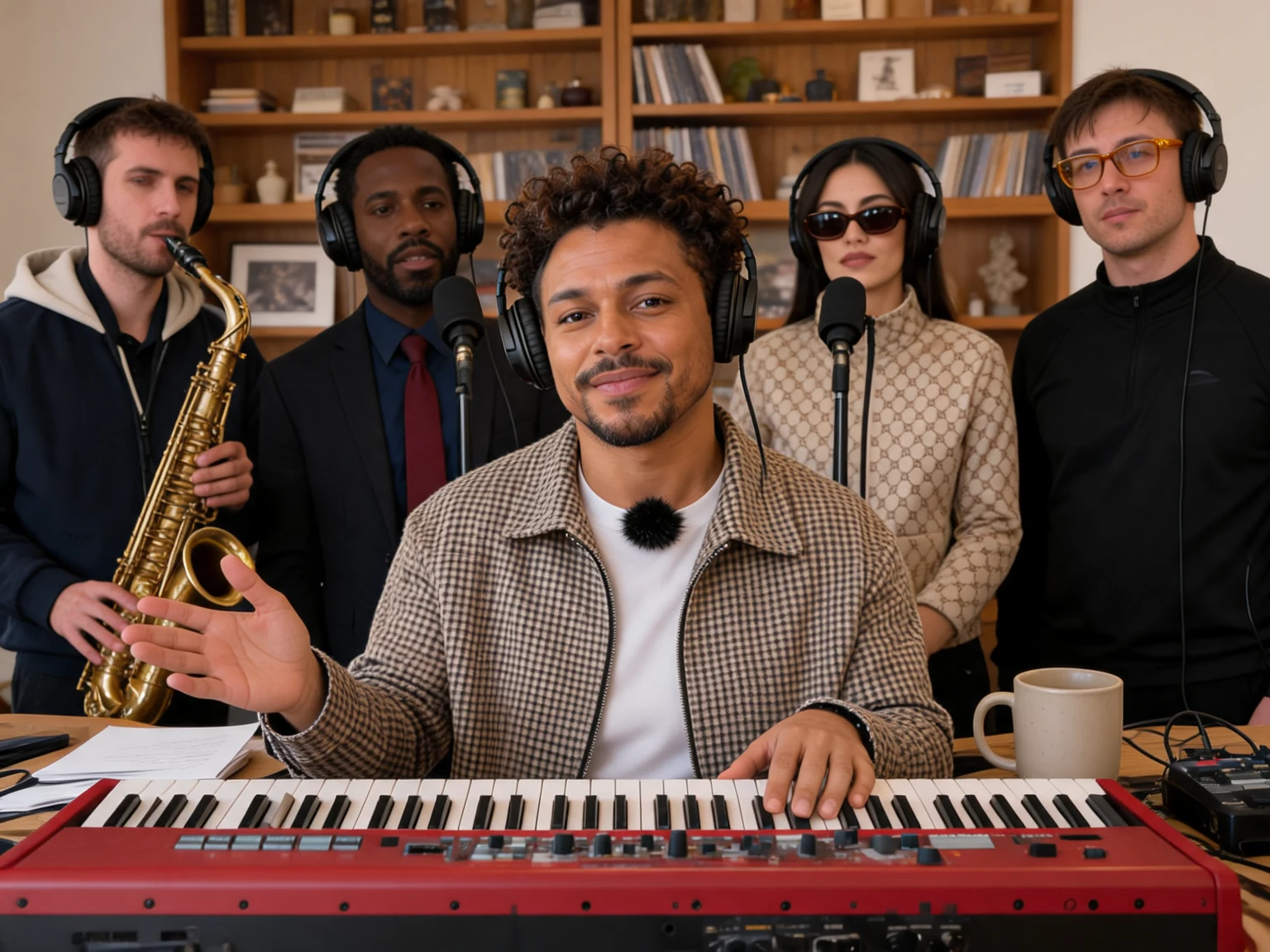
Create a Tiny Desk AI video from one image of a person, pet or illustrated character. Keep their appearance and visual style in a 10-, 12- or 15-second keyboard session with harmonies and saxophone.
Explore the theme: Tiny Desk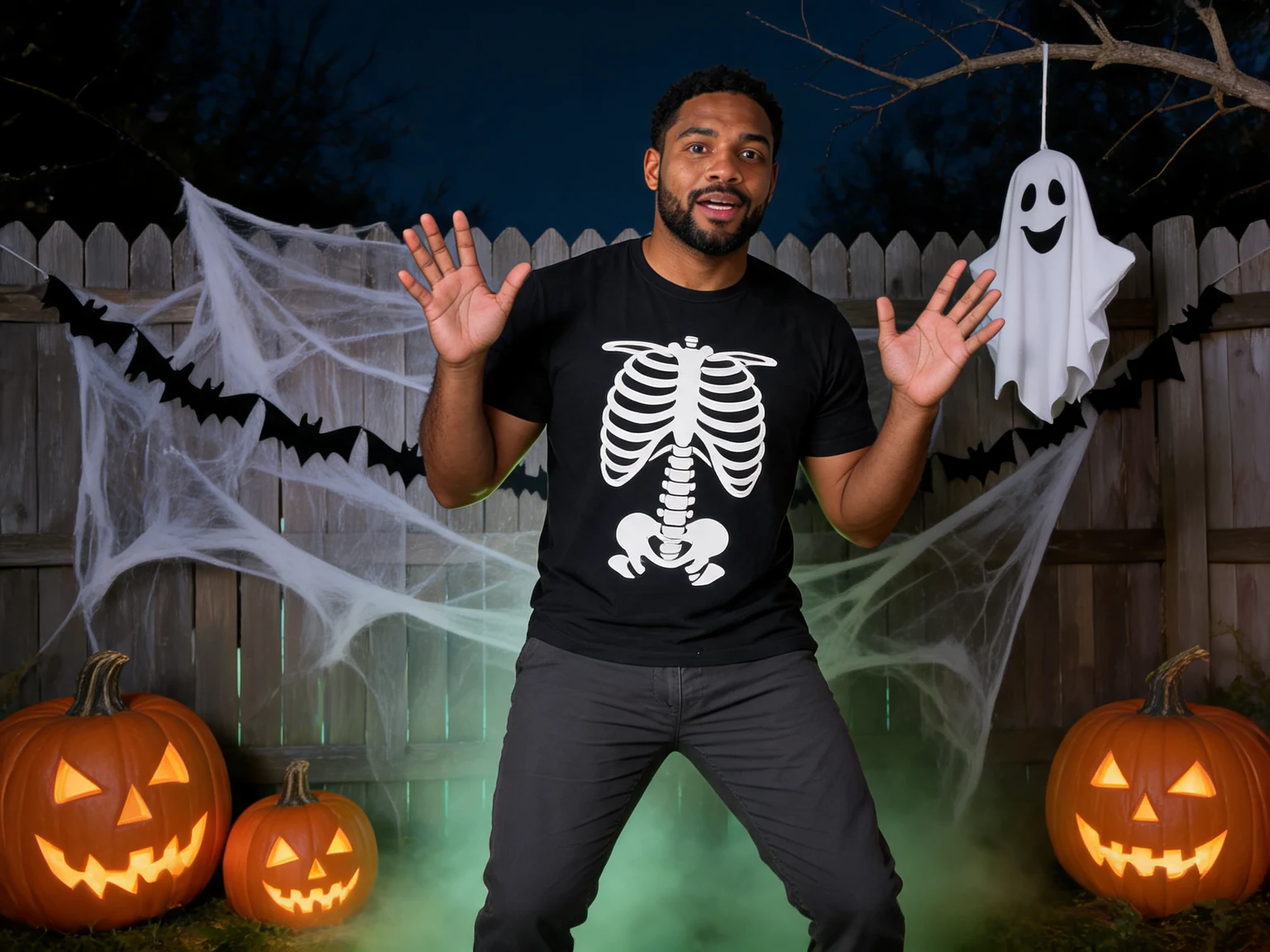
Make a Halloween AI rap video from one portrait in a pumpkin-lit backyard. Explore the 10-second solo theme, photo tips and original audio ideas to get started.
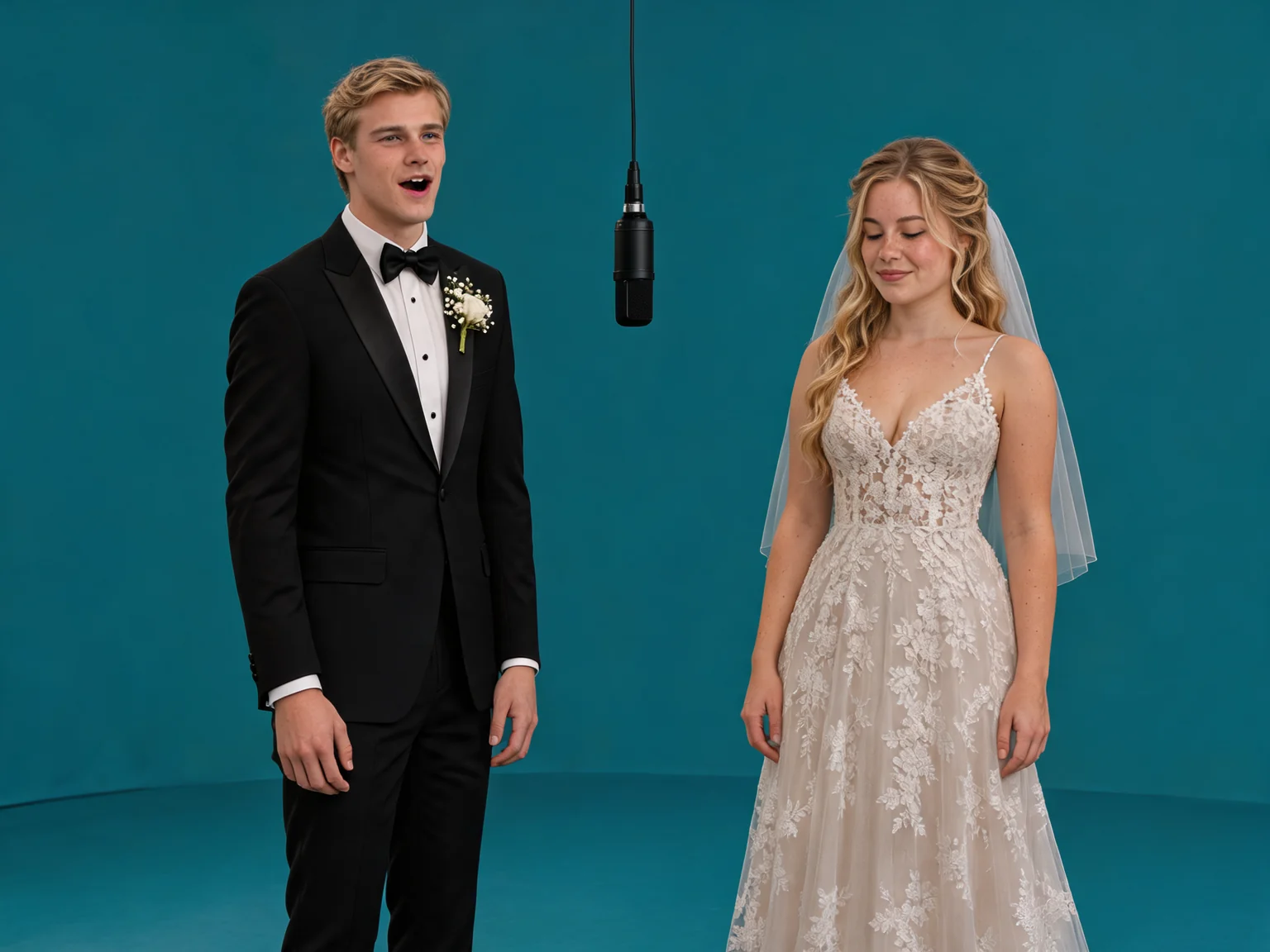
Explore the theme: HalloweenTwo voices, one hanging microphone and a teal studio. Give each performer a solo moment, then bring the duo together in a wide final shot.
Explore the theme: 58th FloorLearn which photos to upload, how to write an audio topic and what to change when a result misses your idea.
Explore the theme library and choose a performance that fits your idea. Preview the scene and check its creation requirements.
Add one clear portrait per person. The selected theme shows how many photos it needs before you start.
Choose the model, resolution, length and format. Add an optional topic for original audio, review your credit quote, then confirm generation.
Plan a photo-based rap performance and an original audio topic, then review your creation settings.
Give your performance a subject, mood or message with a short, focused audio brief.
Choose a theme and upload the required photos. After you click Generate, AI creates a new scene around your people and then generates the performance. Supplied example videos show the creative direction; your inputs guide a new result.
Browse the theme library to see the available performances, photo requirements and previews. Choose a theme in the generator, then check its settings before creating your video.
Enable generated audio and describe its topic, mood or message in up to 500 characters. The model creates original audio. Theme names describe the visual direction; they do not include a licensed song recording or guarantee exact lyrics. You can also turn audio off.
Hotel Lobby, On The Radar and 58th Floor need two separate portraits, one per performer. Tiny Desk and Halloween use one reference image; Tiny Desk also supports a pet or illustrated character. The selected theme shows its exact requirements. Upload clear JPEG, PNG or WebP images, up to 2 MB each.
Open video settings to compare available models, resolutions, durations and aspect ratios. Some themes have a fixed duration. The form shows supported choices and a credit quote before you confirm.
The form shows an exact credit quote from your model, resolution and duration before you confirm generation. Native audio is included. Top-up credits are valid for 1 year after they are added to your account. Processing time varies with settings and queue; follow the saved task status. Confirmed failure or rejected output receives a full credit refund.
You can browse themes and watch example videos for free. When the new-account trial is available, eligible new users with a verified email can generate two videos using Seedance 2.0 Mini, 480p and 5 seconds on a compatible theme. Check the generator for eligibility and remaining allowance; account, browser, network and trial allocation limits apply. Other generation uses paid credits, with the exact cost shown before confirmation.
Once your video is ready, download it as an MP4 from the result or My Videos. The file includes generated audio when audio is enabled. AIRAP does not currently offer a separate MP3 or editable lyrics export.
A lyrics generator returns words you can read or edit. AIRAP turns your photos and a selected scene into a short performance video. With audio enabled, the model also creates original vocals and music. You receive an MP4 clip; the audio topic guides the performance and does not guarantee exact lyrics or a full-length song.
No download is needed. AIRAP is a browser-based AI rap video app: open the website on your phone or computer to choose a scene, upload photos and create your video.
Yes. The whole workflow is online, from choosing a theme and uploading photos to generating, reviewing and downloading the finished MP4. Use your browser without installing video software.
Choose a theme and turn your photos into an AI rap video.
Create your rap video